

 Soccer Ball Drawing - page 1 of 3
Step 1
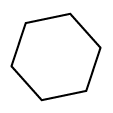
Create a new document in Adobe Illustrator and draw a hexagon like in the next picture using Polygon Tool in the Tools Tab:
Step 2
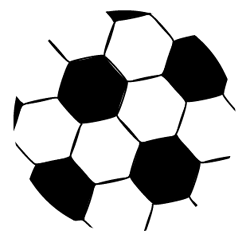
Duplicate the polygon (CTRL+ENTER) and repeat the step until you obtain the below result. (Colorized the polygons like this):

Step 3
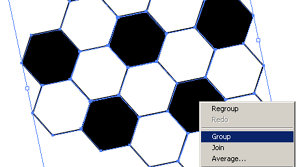
Select all the polygons, right click and choose Group:
Step 4
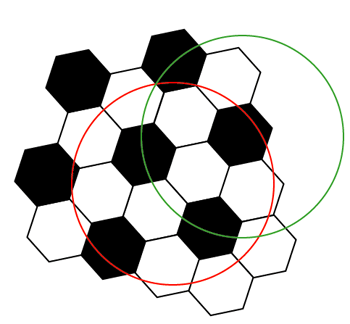
Now draw a circle (using Ellipse Tool in the Tools Tab) and duplicate it:
Step 5
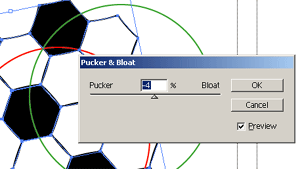
Select the polygons and apply the next effect: Effects > Distort & Transform > Pucker & Bloat with the next settings:
Step 6
Select the polygons and the red circle, right click and choose Make Clipping Mask:
Continued on next page
Filed under Illustrator Tutorials